Is Your Employee Offboarding Process as Smooth as Your Onboarding?
What does your organization do when an employee departs? Do you find yourself scrambling to collect company assets, revoke access, or chase down missing paperwork? If so, you’re not alone. Many organizations pour time and energy into onboarding, but often forget that offboarding is just as important.
A poorly managed exit can lead to data leaks, confusion, low morale, and even damage to your company’s reputation.
That’s where an employee offboarding checklist built for collaboration comes in. It helps you handle every step — from the resignation notice to the final goodbye — with clarity, transparency, and teamwork. When HR, IT, and managers work together using one shared checklist, offboarding becomes faster, smoother, and more secure.
With more teams working remotely and across time zones, having a digital, collaborative offboarding process has never been more critical. It ensures every department stays aligned, every responsibility gets tracked, and nothing falls through the cracks.
Now, let’s dive in and explore what an employee offboarding checklist really is — and why every company needs one. ?
What is an Employee Offboarding Checklist?
An employee offboarding checklist is a step-by-step guide that assists your organization in having a smooth, efficient, and respectful exit of an employee. It lays down each activity that needs to be done when an exiting employee departs—beginning from their notice period to their last day.
This checklist contains the necessary offboarding activities such as retrieving company property, revoking system access, transferring obligations, and performing exit interviews. But it does more than that. It keeps everyone involved—HR, IT, finance, and managers—on the same page and in the loop throughout.
A good checklist does more than save your company from legal or security problems. It also helps create a workplace culture of professionalism and looking out for each other. Whether one person is leaving or a bunch, having a solid employee offboarding procedure reduces interruptions, keeps crucial knowledge within the company, and protects your brand’s image.
And since teams today often work from multiple locations, a team checklist can make it easier to keep up with what’s going on, who’s doing what, and share the latest news as it happens.
Having learned what it is, now let’s see the top advantages of having an organized employee offboarding checklist and how it enhances your whole organization. ?
Benefits of an Employee Offboarding Checklist
Offboarding isn’t just about checking boxes — it’s about protecting your organization’s integrity, knowledge, and culture. When handled correctly, it turns what could be a tense moment into a structured, respectful, and meaningful process.
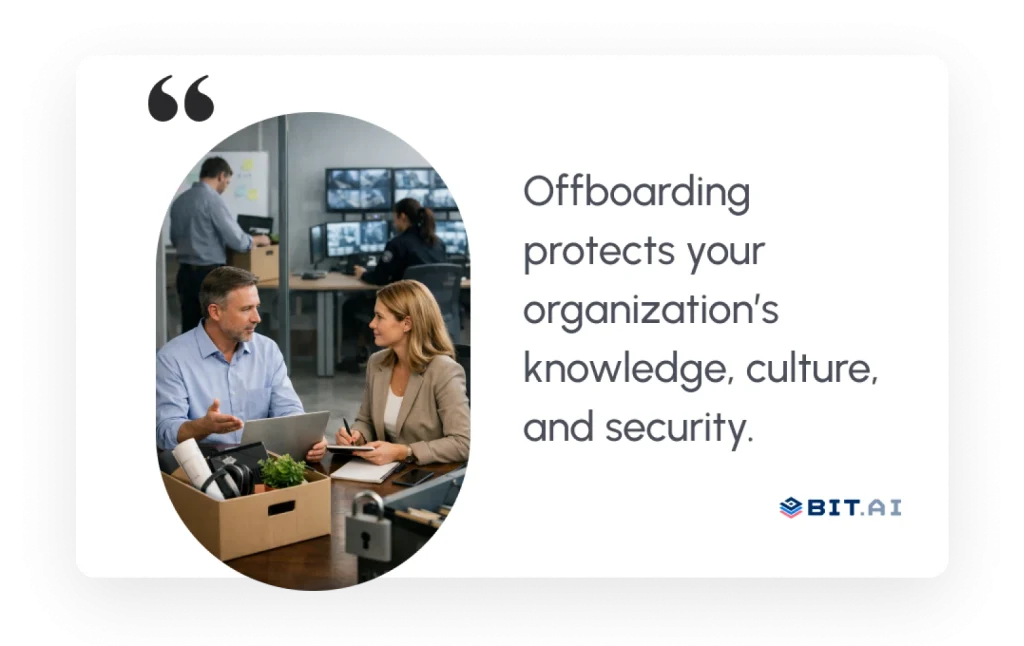 Here’s why having a collaborative offboarding checklist makes all the difference
1. Ensures Security and Compliance
When someone leaves the company, even a small delay in cutting off their access or getting back their stuff can cause security problems. A good offboarding list takes care of that risk.
By ensuring timely actions — like updating credentials, disabling accounts, and retrieving company devices — your team safeguards sensitive data and maintains compliance with global privacy regulations. It brings structure to transitions and peace of mind to leadership.
2. Preserves Institutional Knowledge
Every employee carries valuable context — project details, client insights, and workflow know-how. When they leave, that knowledge shouldn’t disappear with them.
Having a good offboarding plan means capturing all the knowledge from people leaving via docs, training, and handing over files. This keeps things smooth. It cuts down on mistakes and helps new folks and current team members get up to speed fast.
3. Enhances Employee Experience
A structured exit process reflects empathy and professionalism. It gives departing employees clarity about what to expect, eliminates awkward moments, and ensures their final days feel valued — not transactional.
 That positive final impression matters. It reinforces your brand’s reputation as a thoughtful, people-first organization — something that resonates deeply with future hires and alumni alike.
4. Simplifies Collaboration between Teams
Offboarding involves multiple departments — HR, IT, management, and finance — each with its own checklist of tasks. Without coordination, things fall through the cracks.
When everyone uses the same offboarding checklist together, it keeps everyone on the same page. It makes clear who’s doing what, allows you to track progress as it happens, and keeps communication open. With tools like Bit.ai, teams can easily work together and turn a complicated process that involves lots of departments into one smooth workflow.
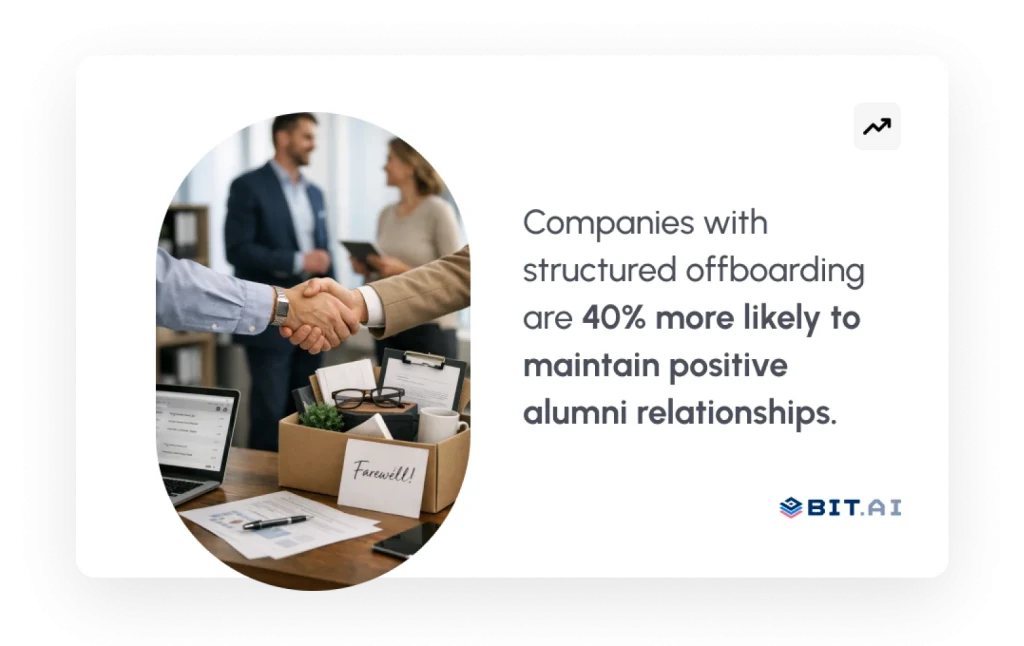
Now that you see how valuable an offboarding checklist can be, let’s find out the top tools to create one collaboratively. ?
Top Tools to Create and Manage Your Employee Offboarding Checklist
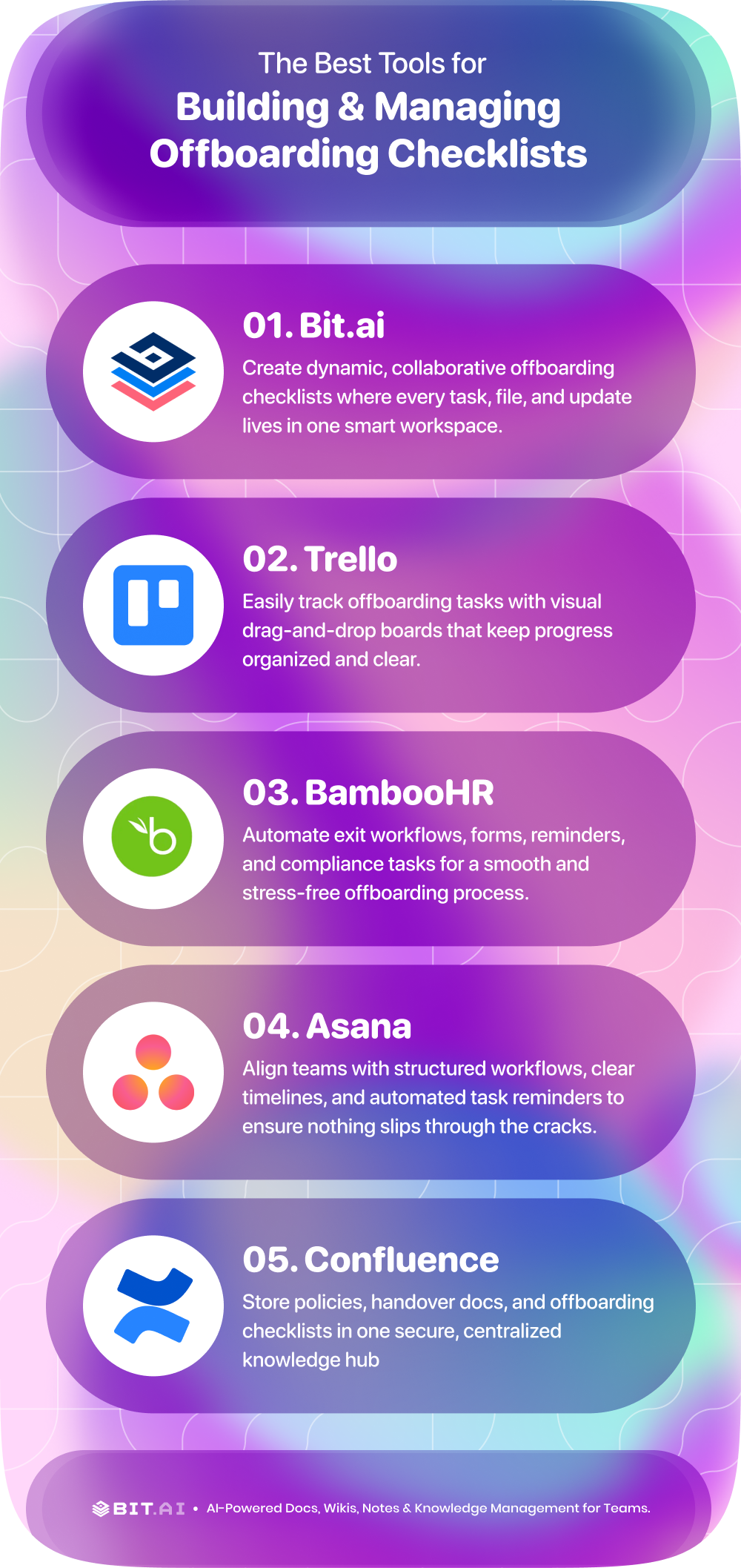
Offboarding does not need to be an afterthought. With the perfect digital tools, the process can be collaborative, secure, and headache-free. These platforms allow teams to automate processes, document tasks, and communicate more effectively—making any employee departure a smooth experience.
1. Bit.ai
 AI-powered docs, wikis, and a knowledge management platform built for modern teams that thrive on clarity and connection.
With Bit.ai, you can create comprehensive, interactive offboarding checklists that HR, IT, finance, and management can edit together — all in real time. Each checklist can include embedded forms, policies, videos, and links, so every offboarding task and document lives in one smart, easily accessible space.
What truly sets Bit.ai apart is how effortlessly it turns complexity into structure. From asset returns to knowledge transfer, every step of the offboarding journey is streamlined and documented within one transparent collaborative workspace. Departments stay aligned, timelines stay visible, and communication stays smooth — even when your teams are spread across multiple regions or time zones. It’s ideal for handling employee exits in worldwide or remote teams.
Key Features:
✅ Real-Time Co-Editing of Documents and Templates
Multiple team members can work on the same offboarding checklist at once. They can make live edits, leave comments, and see updates as they happen. Forget sending files back and forth or dealing with email attachments. Everyone is always looking at the same version.
✅ Smart Offboarding Checklist Workflows
Bit.ai lets you design dynamic checklist templates for offboarding tasks — from exit interviews to IT deactivation — ensuring that no critical step is ever missed.
✅ Role-Based Permissions and Secure Access
You can easily control who edits, comments, or views each document. It’s perfect for HR teams that handle sensitive employee data and need to maintain confidentiality while staying collaborative.
✅ Centralized HR Document Knowledge Hub
All your HR documents — from policies to process guides — live in one searchable repository. This makes it simple to reference or reuse information for future exits, audits, or compliance requirements.
✅ Rich Media Embedding (Videos, Forms, Links & More)
Enhance your offboarding documents by embedding videos, forms, feedback surveys, and even external links. Each checklist becomes a dynamic, interactive hub rather than a static file.
✅ Integrations with 100+ Apps (Slack, Google Drive, Trello, and more)
Connect Bit.ai with your favorite tools to create a smooth, automated workflow. Share updates via Slack, attach Drive files, or sync task progress with Trello — all from one place.
Pricing: Free plan; paid plans from $8 per member/month.
Read more: Write a recommendation that genuinely helps them succeed – Check out Free Recommendation letter Template Now!
2. Trello
 For teams that prefer a visual, drag-and-drop approach, Trello makes offboarding effortless.
Use its Kanban-style boards to create clear offboarding stages — like “Exit Interview,” “IT Access Removal,” or “Asset Return.” HR can assign cards to departments, set deadlines, and monitor progress at a glance.
Trello’s automation (via Butler) ensures repetitive tasks are handled automatically, freeing up HR to focus on the human side of offboarding.
Key Features:
- Task cards and visual boards for simplicity.
- The need for manual updates is decreased by Butler’s automation.
- Customized checklists, deadlines, and labels
- Cooperation and real-time alerts
- Connectivity with Bit.ai, Slack, and Google Drive
Pricing: Free plan; premium plans from $5 per user/month.
3. BambooHR
 When you need an all-in-one HR solution that handles everything from hiring to offboarding, BambooHR is a top choice.
It automates exit workflows, sends reminders, manages forms, and keeps communication smooth between departments. HR can track each step — from feedback collection to final payroll — all in one place.
BambooHR’s analytics dashboard ensures no step is missed, making it ideal for medium to large organizations managing multiple exits every month.
Key Features:
- Automated reminders and checklists
- Form tracking and exit interviews
- Employee data tracking and reporting software
- Payroll and IT system integration
- Secure document management
Pricing: A Custom quote is available on request.
4. Asana
 If your team thrives on structure, clarity, and keeping every workflow perfectly aligned, Asana steps in as a reliable partner for offboarding. It helps HR, IT, and managers see the entire transition process clearly, from the first notice to the final day. Every task sits in its own place. Every responsibility is visible. Every deadline speaks for itself.
Asana is designed for teams that handle multiple moving parts during exits. Its visual features, such as Timeline and Board views, let teams monitor progress in real time and identify everything that still needs attention.
Key Features:
- Custom offboarding templates with tasks and subtasks
- Visual workflows with List, Board, and Timeline views
- Automated reminders and follow up actions
- Real time collaboration, comments, and file sharing
- Integrations with Slack, Google Drive, Bit.ai, and more
Pricing: Free plan available; paid plans start at $10.99 per user per month.
5. Confluence (by Atlassian)
 For organizations that depend heavily on documentation, compliance, and consistent processes, Confluence brings unmatched stability. It helps HR teams create detailed offboarding playbooks, IT teams maintain structured transition pages, and managers collaborate on handovers that preserve knowledge with accuracy.
Confluence feels like a living library for your offboarding system. You can store every checklist, policy, process guide, handover document, and exit form in one organized space. With templates designed for workflow documentation, it becomes easy to build an offboarding hub that evolves as your company grows. Teams can co edit pages, leave comments, embed resources, and link everything together so the entire offboarding process becomes seamless and transparent.
Key Features:
- Centralized knowledge base for all offboarding documents
- Collaborative pages with comments, version control, and permissions
- Templates for HR policies, handover notes, and workflow guides
- Tight integration with Jira for automated exit tasks
- Secure access settings for sensitive employee information
Pricing: Free plan available; paid plans start at $5.75 per user per month.
After looking at the top tools, let’s take a look at what an actual employee offboarding checklist looks like. ?
Also check: Want to onboard new hires the right way? Learn how with How to Ace the New Hire Onboarding Process.
Example of a checklist for employee offboarding
It’s not necessary to handle a departing employee in a chaotic manner. A well-organized employee offboarding checklist guarantees that all duties are completed, responsibilities are transferred, and your company remains safe. Here’s an example of what a comprehensive checklist might look like:
Pre-Offboarding Tasks — Preparing the Groundwork
It’s essential to notify all impacted teams of an employee’s impending departure before they leave. Everyone can see changes and make plans when there is open communication. Second, set up meetings for knowledge transfer with coworkers to make sure that ongoing tasks and projects are successfully passed along. Having exit interview questions and documents ready in advance helps you secure valuable feedback and remain in compliance in an efficient manner.
During Offboarding — Managing the Transition
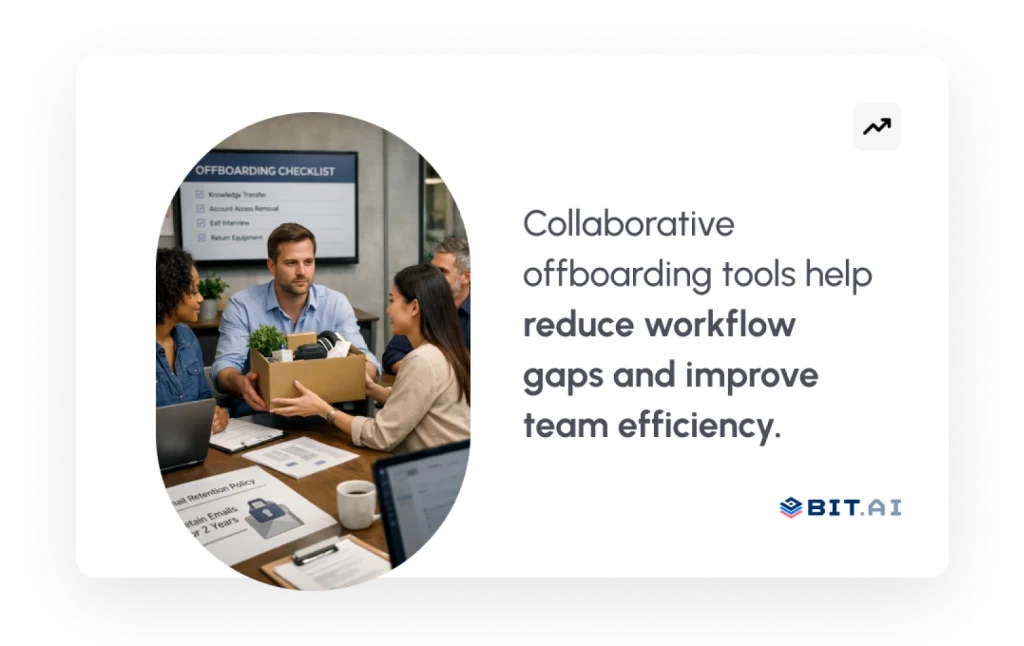
During offboarding, it’s important to get all company equipment back, such as laptops, access cards, and any other company items. While doing this, revoke all access — including system logins, email accounts, and passwords — to safeguard proprietary information. Make sure systems and internal databases reflect the offboarding employee’s information. Lastly, ensure all tasks and responsibilities in progress are transferred to team members effectively, so projects run continuously without interruption.
Post-Offboarding — Wrapping Up with Grace
Conduct the exit interview after the worker has left and collect input to improve subsequent processes. Complete the last payroll, benefits, and any legal documentation needed to professionally complete the separation. Send off messages that recognize their contributions while keeping on good terms. Lastly, securely store employee records in compliance and allow easy access in case of any future reference.
? Pro Tip: With the use of collaborative tools such as Bit.ai, your team can delegate these tasks, monitor completion in real time, and turn the checklist into a living document that adapts to your organization.
Tips to Make Offboarding Collaborative and Stress-Free
A seamless offboarding process of employees calls for planning, coordination, and teamwork across teams. Here are practical steps to make leaving employees leave on a good note while your organization remains organized:
Step 1: Create a Standardised Process for Offboarding
Every departure deserves consistency. Start by designing a standardized offboarding checklist that guides every step — from disabling access and collecting equipment to completing exit interviews and final payroll.
When you document this process once, you save hours of manual coordination later. It also ensures that no detail — however small — slips through the cracks, keeping HR, IT, and management perfectly aligned across every exit.
Step 2: Use Collaborative Tools
Offboarding touches multiple departments, and collaboration gaps can quickly cause delays. That’s where digital tools like Bit.ai make all the difference.
Bit.ai’s shared workspaces let HR, IT, and managers co-edit documents, comment in real time, and track updates instantly. Everyone knows their part — no confusion, no back-and-forth messages. Real-time visibility means accountability, speed, and alignment across the board.
Step 3: Prioritize Knowledge Transfer
The most valuable thing an employee takes with them isn’t their ID badge — it’s their knowledge.
Before they leave, schedule handover sessions, create documentation, or record quick walkthroughs of key tasks. This ensures that all project insights, client details, and workflows are passed on effectively. When knowledge transfer is part of your culture, offboarding becomes a bridge — not a break.
Step 4: Communicate Clearly
Being open makes saying goodbye better. Talk clearly and kindly—explain when things need to happen, who does what, and what’s next with the person leaving, right from the start.
If you’re clear, people worry less, there are fewer mix-ups, and everyone feels valued and knows what’s going on when they part ways.
Step 5: Review and Optimize Regularly
No process is ever perfect — and that’s the beauty of it. After every offboarding, take a few minutes to review what went well and what could improve.
Update your checklist, refine your tools, and ensure your workflows comply with evolving data privacy and global labor regulations. Each review helps make the next transition even smoother.
Finally, we’ll conclude and summarize how a structured, collaborative offboarding process will be valuable to your organization and employees who leave your organization. ?
Wrapping Up: Making Employee Offboarding Smooth and Collaborative
Offboarding is more than a checklist—it’s an opportunity to safeguard your organization, demonstrate professionalism, and leave those who are leaving with a good impression. A formal employee offboarding checklist guarantees each activity—from asset recovery and system access removal to knowledge transfer and exit interviews—is executed efficiently and transparently.
Through the use of collaboration tools such as Bit.ai, your team can consolidate all offboarding tasks, delegate tasks, monitor real-time progress, and never let anything fall between the cracks. This not only makes workflows more efficient but also solidifies cross-department collaboration, decreases errors, and ensures organizational continuity.
Keep in mind that the idea is to balance efficiency with compassion. Exiting employees who go through a seamless, organized offboarding process are more likely to depart with a good impression, leave honest feedback, and become brand ambassadors or future partners.
FAQs
- What should be included in an employee offboarding checklist?
A thorough checklist comprises activities such as informing stakeholders, gathering company property, canceling system permissions, knowledge transfer, exit interviews, and closing payroll and legal records. A shared platform like Bit.ai makes sure that each activity is monitored, assigned, and marked as done in an efficient manner within departments.
- How to offboard an employee professionally
Professional offboarding is all about clear communication, formal handovers, and a positive exit process. Use a standard checklist, maintain data security, finish every compliance task, and solicit feedback through exit interviews. That way, the experience is respectful for the leaving employee and effective for your team.
- What is the difference between onboarding and offboarding?
Onboarding familiarizes employees with your company, enabling them to settle in and work effectively. Offboarding facilitates a smooth, secure, and professional departure. Both need well-structured processes and collaborative software to ensure productivity, security, and a good firm culture everywhere in the world.
- Why is employee offboarding significant to an organization?
A formal offboarding procedure protects company information, retains institutional memory, enables compliance, and improves your employer brand. A thoughtful exit builds goodwill, avoids mistakes, and can create an alumni network for referrals, re-hire, and professional networking with high potential value.